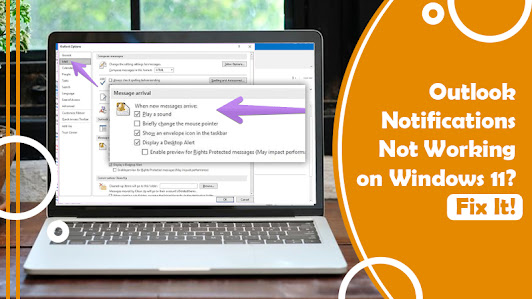
How to Fix the Outlook Notifications Not Working on Windows 10 and 11?

Missing an important email on Outlook because it didn’t get a notification from the app certainly feels annoying. Many users find that their notifications are not working correctly in Outlook and that they leave many important emails unread due to it. The problem occurs frequently for Windows 10 users. When you find Outlook notifications not working or their sound not coming, you can try various troubleshooting measures like switching on notifications and disabling the conflicting functionalities in Windows 10. In this article, you’ll find about these fixes in detail. Measures to Fix Outlook Notifications Not Working Issue To fix this issue, first, restart your PC. If the problem is due to a temporary glitch, it will get resolved by a simple restart. If it doesn’t, follow these measures. Examine whether you’ve enabled Play a Sound setting in Outlook If the play a sound setting is disabled, you won’t hear a notification sound in Outlook. So, see if you’ve disabled this set...